Put ANY photo on your Apple Wallet card.
Custom employee cards, funny cards, your own designs — whatever you want.
Lifetime access + free updates.
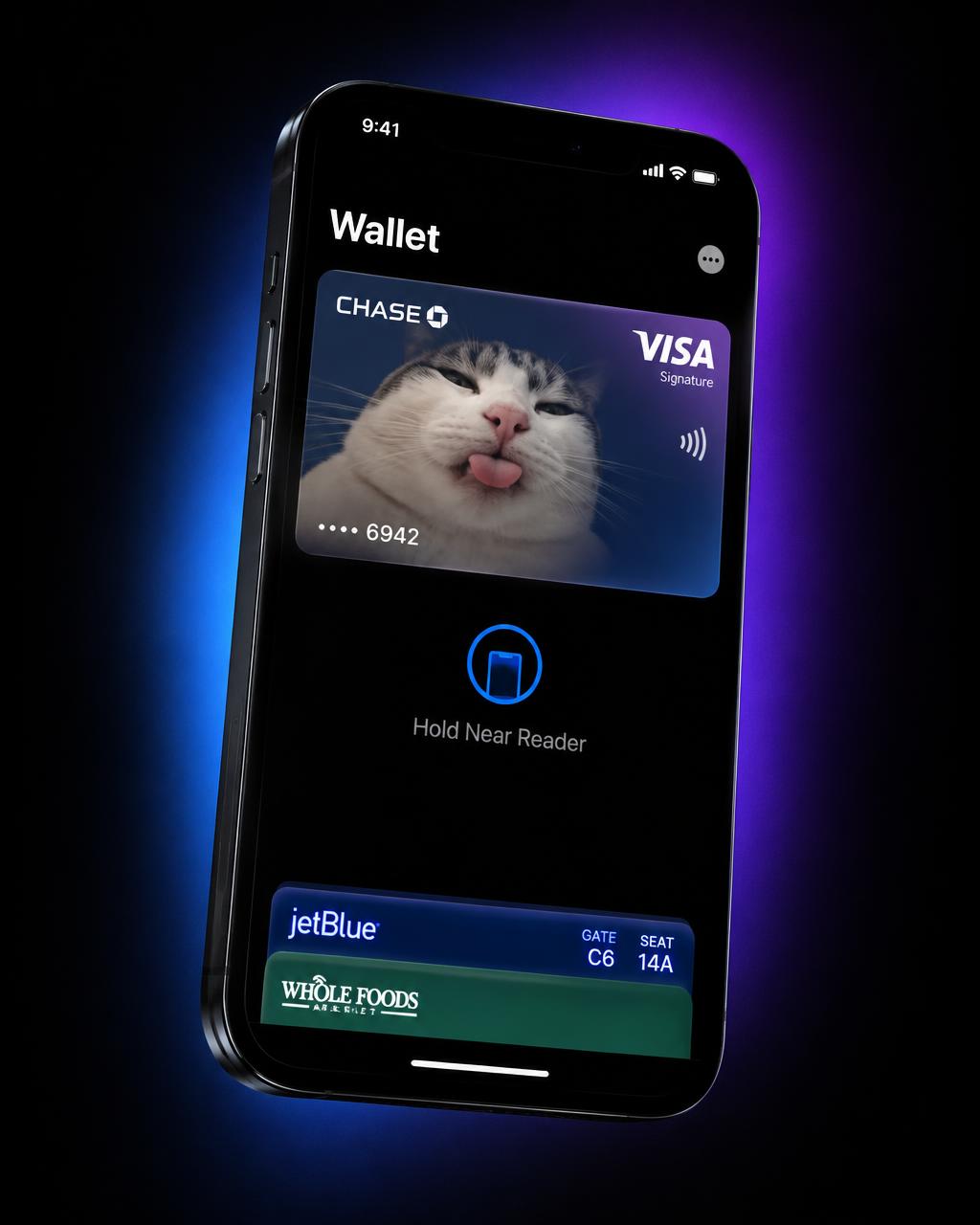
If you can picture it, you can put it on your card.
One guide, endless cards.
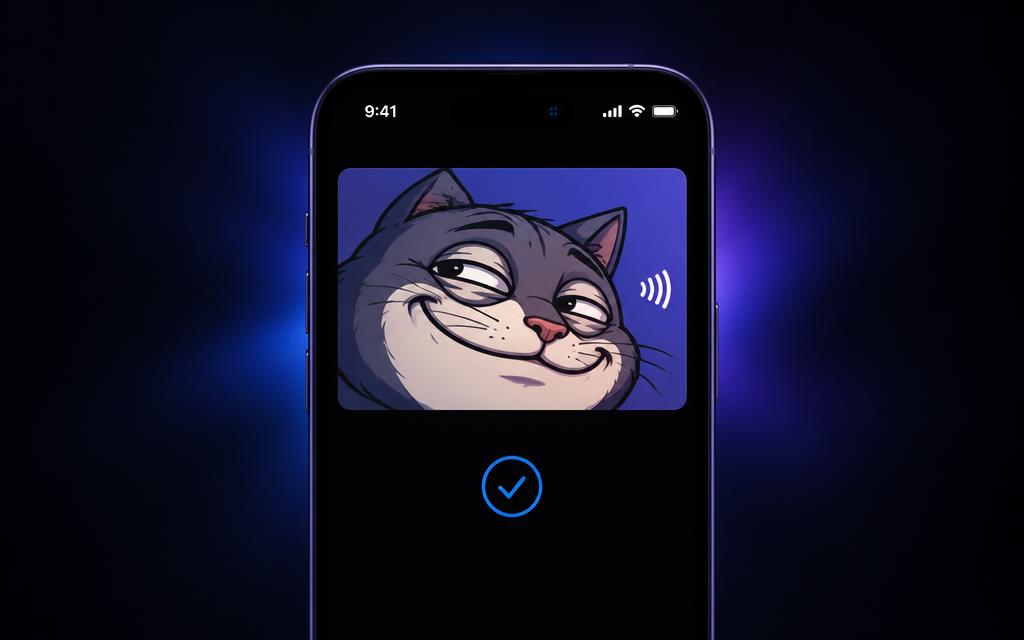
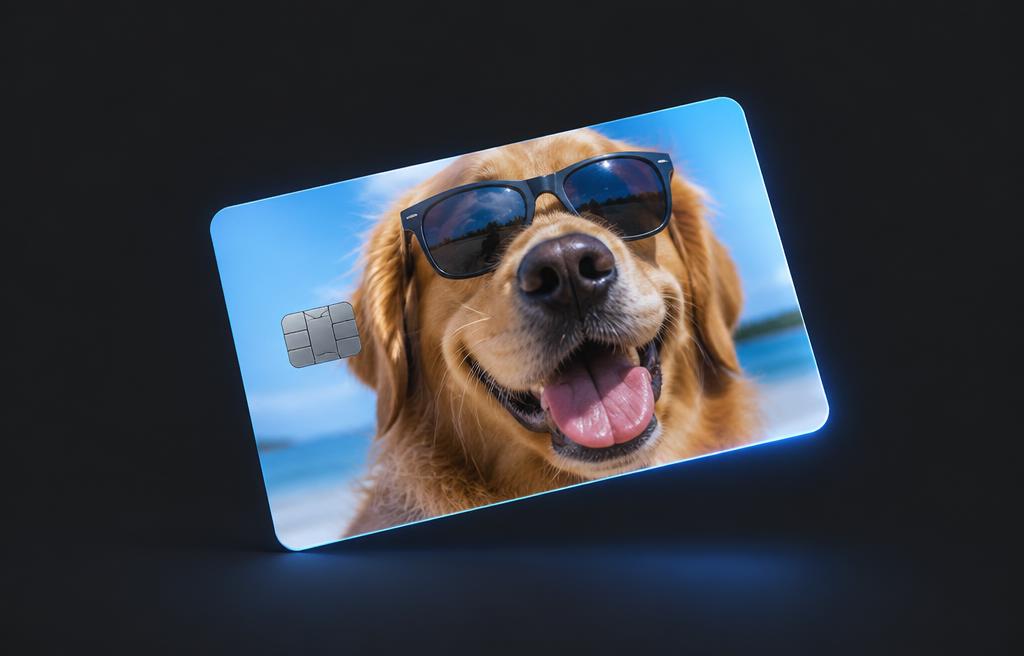
Funny Cards
Memes, inside jokes, cursed photos — turn Apple Pay into a bit.
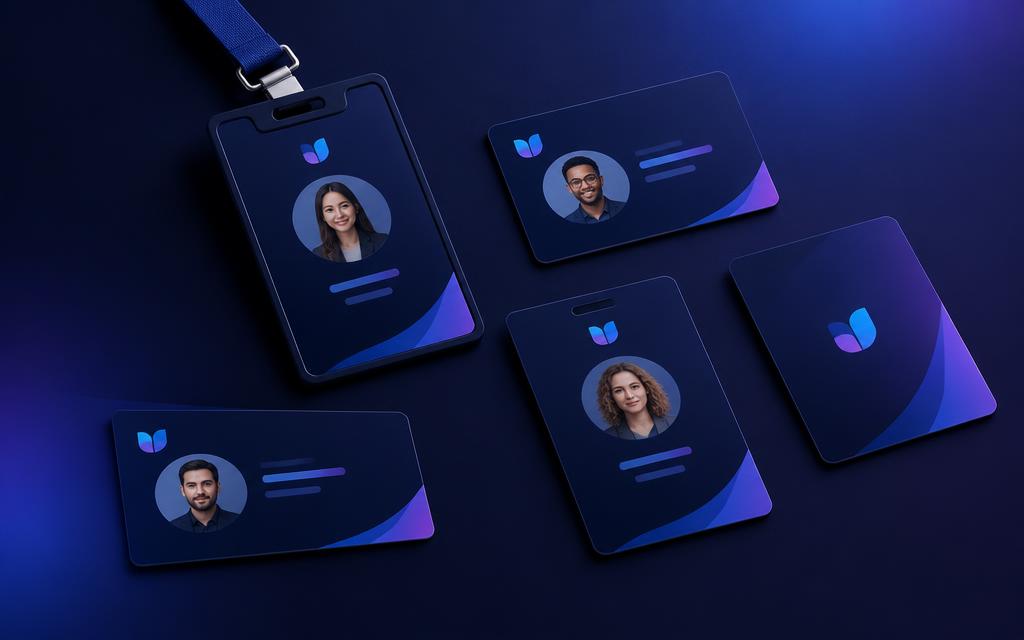
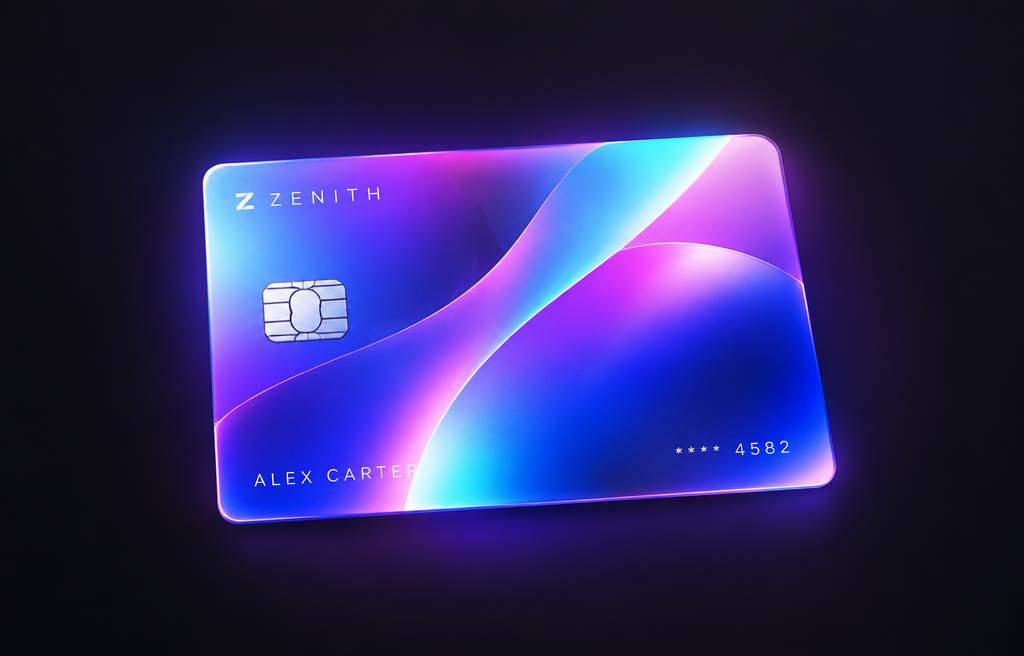
Employee & Company Cards
Branded staff cards and badges for your whole team.
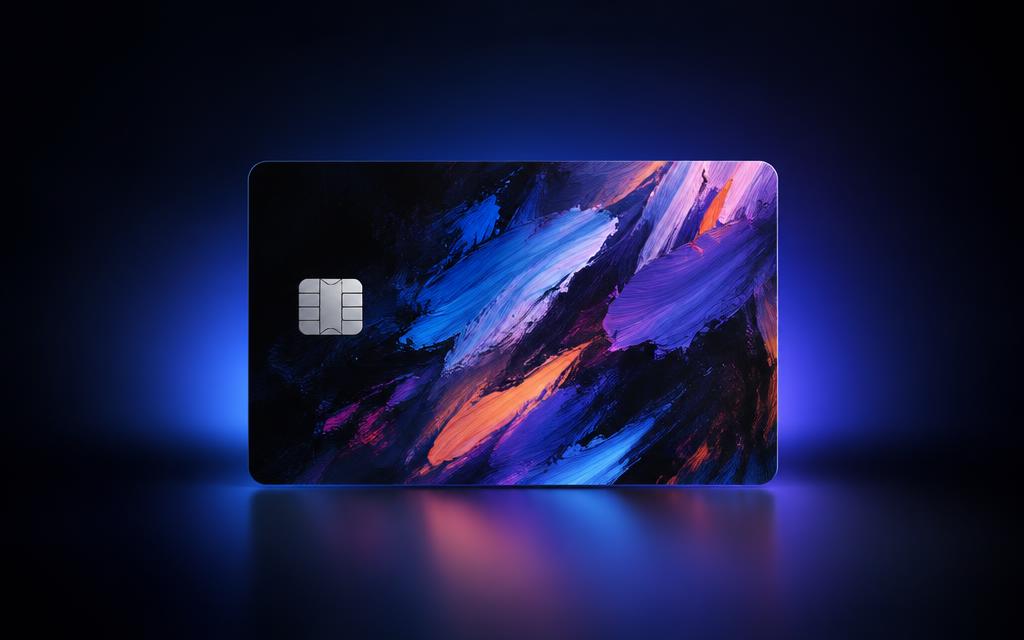
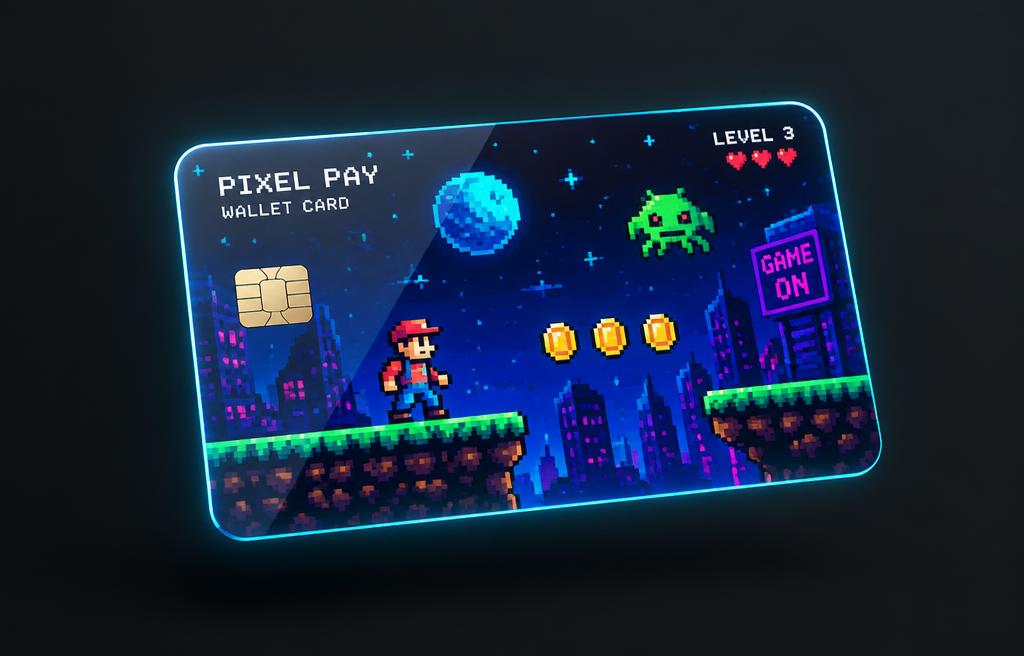
Custom Designs
Your face, your pet, your brand, your art.
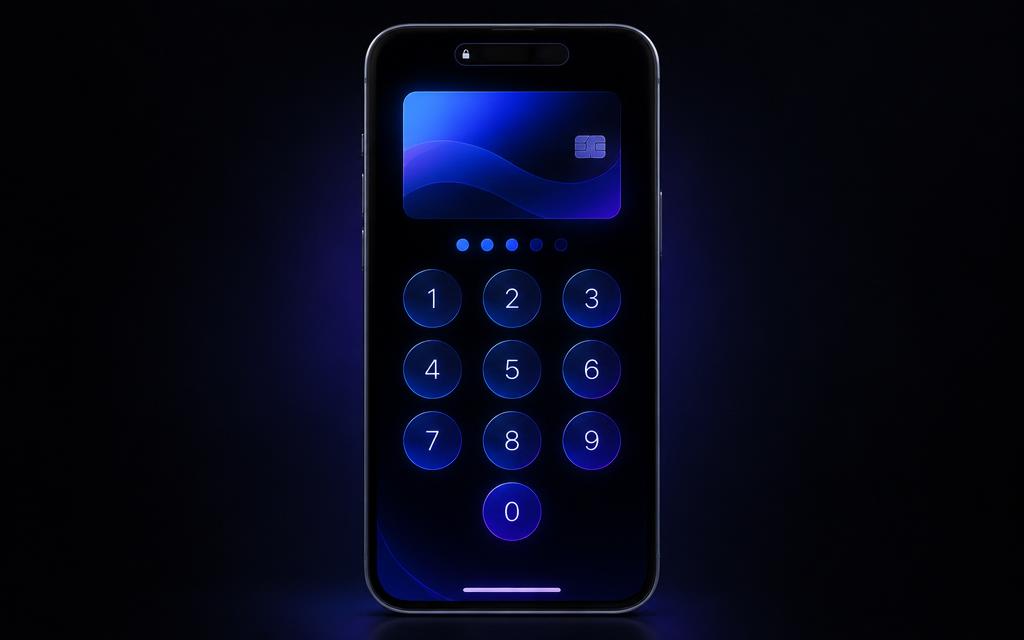
Matching Lock-Screen Themes
Theme your passcode keypad to match your card.
Join 1,000+ customizing their iPhones
Your card. Your vibe.
A few examples of what people are putting in their Wallet.
What's inside
- ✓A full illustrated walkthrough, screenshot by screenshot
- ✓How to install the free open-source tool safely
- ✓How to get past the Mac security warning
- ✓How to apply card skins and lock-screen keypad themes
- ✓Troubleshooting when something doesn't stick
- ✓Where to grab free design templates
WalletSkin Guide
Instant PDF download. Lifetime access + free updates.
Questions
Yes — the tool itself is free and open source. You're paying for the guide, which saves you the setup headache and shows you exactly how to do it, step by step.
You'll need a Mac plus an iPhone on a recent iOS version. Apple updates can break the method at any time, so nothing is guaranteed forever.
It's a visual tweak, not a jailbreak. Still, back up your device first and use it at your own risk.
This is an instant digital download, so refunds are limited — see the refund policy at checkout before you buy.
Yes — the guide covers branded employee and batch cards.